How do I create a smart list with filters?
Published on: 03/11/2026
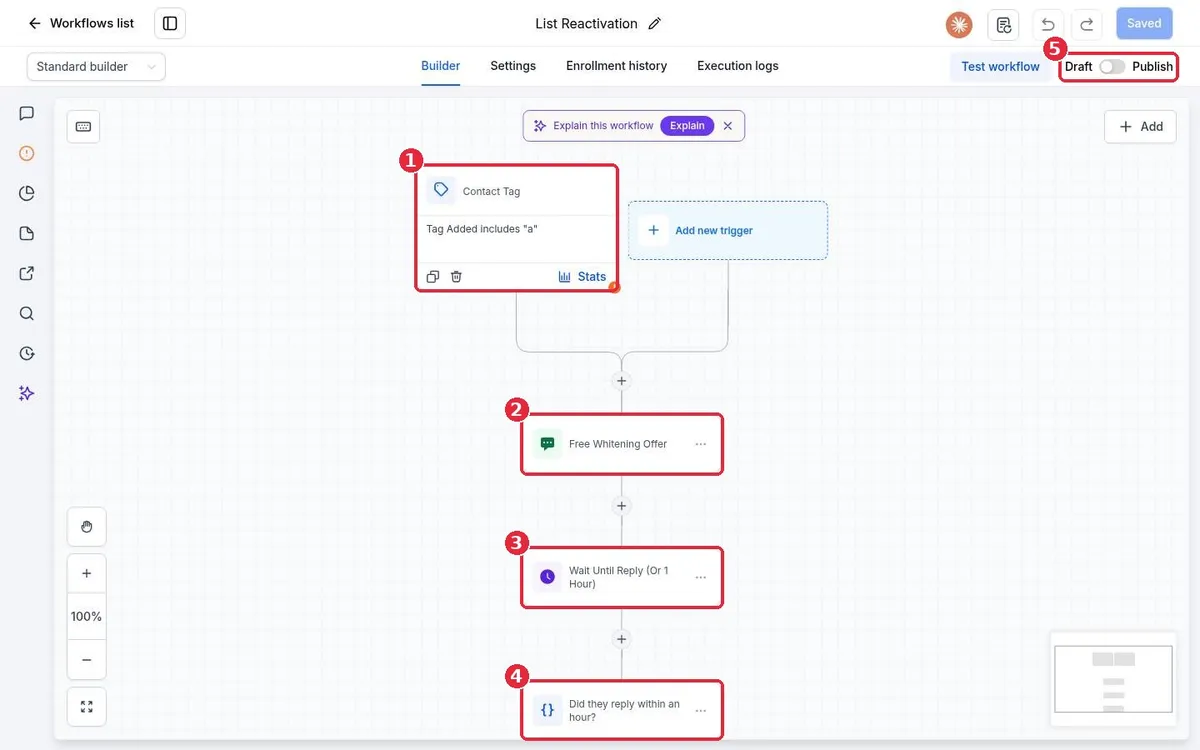
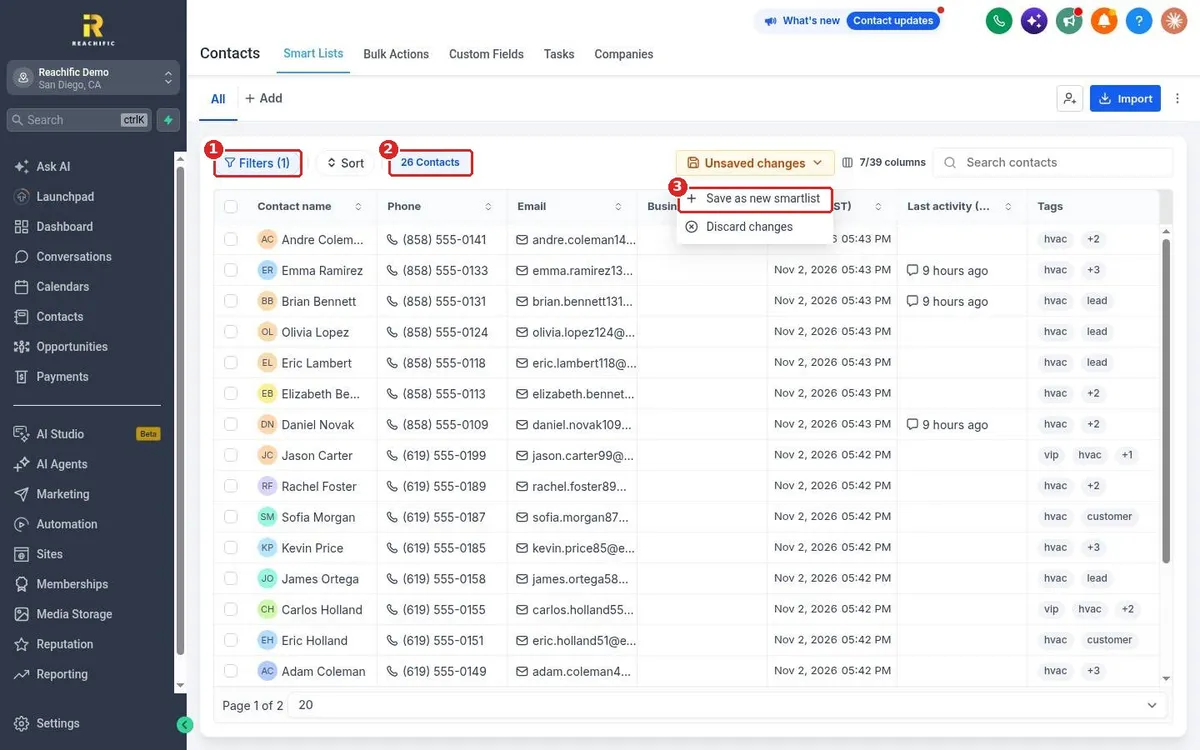
Create a smart list in Reachific: open Contacts, click Filters, pick a field such as Tag, choose a condition and value, click Apply, then open Unsaved changes and choose Save as new smartlist.
smart listfilter contactssegmenthelp center